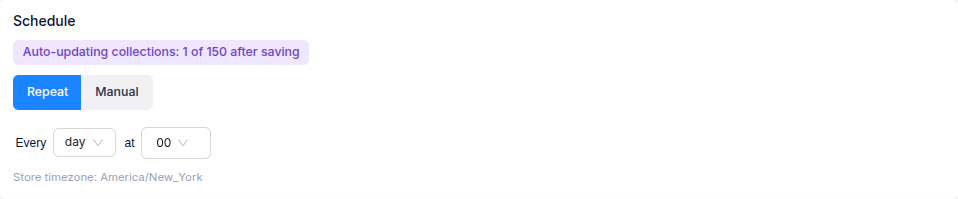
The Schedule setting controls when Ouiteo updates a collection's products and sort order. Choose Repeat for automatic updates or Manual to run the collection when you decide.
Repeat
- Open the collection's settings and select Repeat under Schedule.
- Choose how often the collection runs and the time it should start.
- Check the store timezone shown below the schedule, then select Create or Save.
When the collection runs, Smart membership is checked against its filter and the selected sort order is applied. If Ouiteo manages both membership and sorting for the collection, the same schedule runs both.
Manual
Select Manual, then select Create or Save. The collection will not update automatically. To update an existing collection, choose Run now from its row in View collections, or open the collection and select Apply now after changing its settings.
Manual schedule and Manual membership are separate settings. A collection can use a Smart filter and still run only when you choose, or use manually selected products with a Repeat schedule for its sort order.