On this page
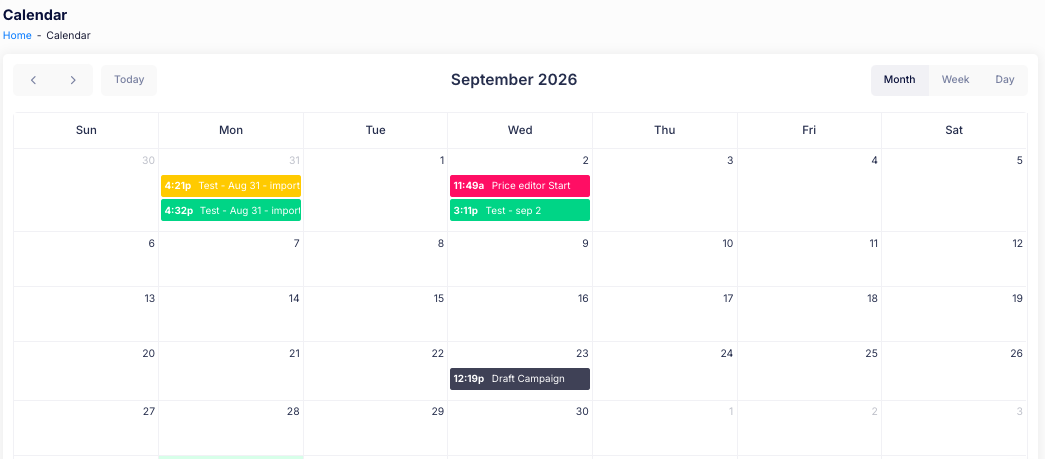
The Calendar shows the campaigns, price edits and other scheduled tasks you have created, so you can see everything that is coming up in one place. Each task appears on the day and time it runs.
Views
Choose how much you want to see:
- Month — the whole month at a glance.
- Week — one week.
- Day — a single day.
Moving around
- Use the < and > arrows to move to the previous or next period.
- Select Today to jump back to the current date.
Tasks on the calendar
Each task shows the time it starts and its name, for example Price editor Start or Draft Campaign. Tasks are colour-coded, so you can tell campaigns, price edits and other tasks apart at a glance.
If you have additional questions, contact us using the chat button in the corner or email us at help@ouiteo.com.